Drop images to add
Image Compress
Upload images to reduce file size by adjusting quality.
Drag images here or click to select
JPEG, PNG, GIF, WebP, AVIF · Max 5MB per file
Compress Images Online —
Free, Fast & No Quality Loss
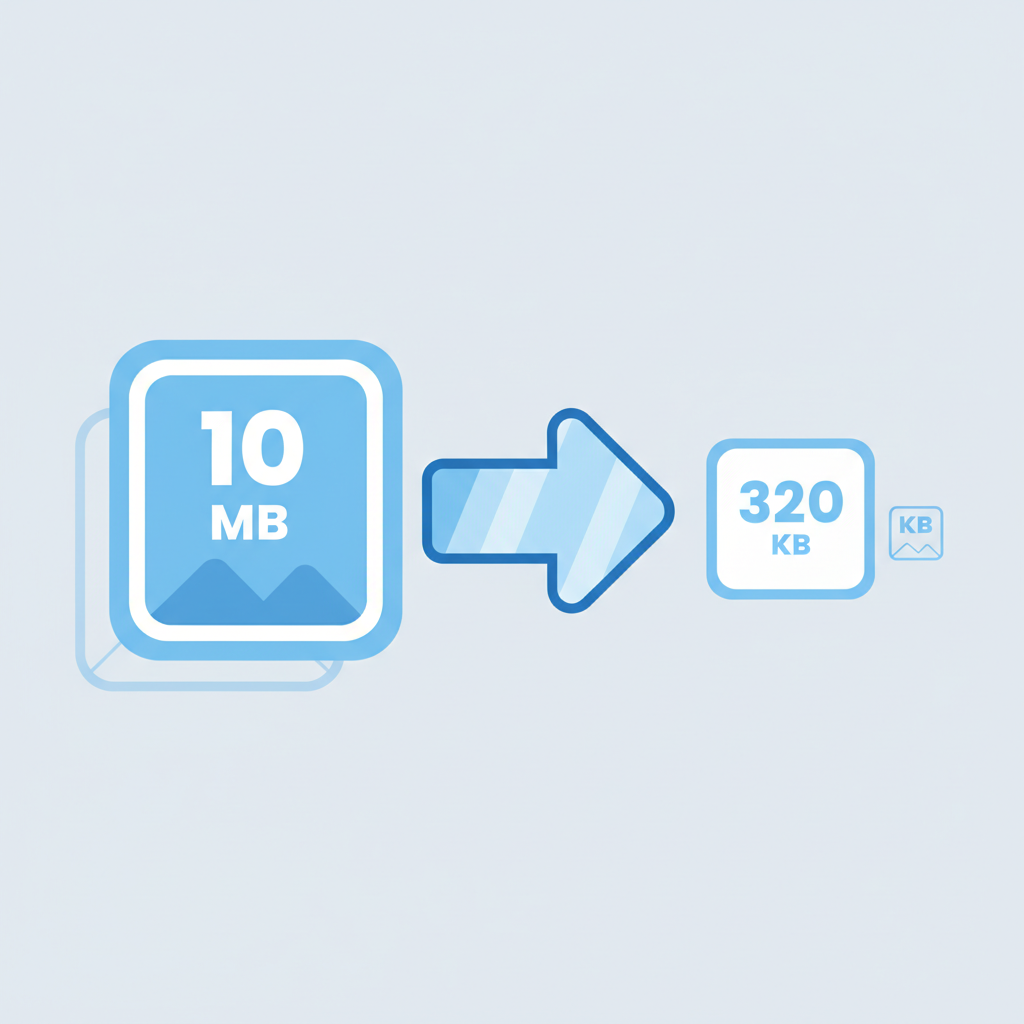
Reduce the file size of your images instantly — no software, no sign-up required. Our free online image compressor uses smart compression algorithms to shrink your JPEG, PNG, GIF, WebP, and AVIF files while preserving visual quality. Use the quality slider to find the perfect balance between file size and image clarity. Whether you're optimizing photos for a website, preparing images for email, or freeing up storage space, you'll get smaller files in seconds.
How to Compress an Image Online
-
1
Upload your image
Drag and drop or click to select a JPEG, JPG, PNG, GIF, WebP, or AVIF file.
-
2
Adjust the quality slider
Move the slider to control the compression level. Lower values produce smaller files; higher values preserve more detail.
-
3
Download your compressed image
Click download and save your optimized file instantly.
No account required. Your files are never stored on our servers.
Compress JPEG, PNG, WebP & More
JPEG / JPG
The most common format for photos. Ideal for high-resolution images with natural colors and gradients.
PNG
Supports transparency. Great for logos, screenshots, and graphics.
GIF
Compress animated or static GIFs without losing animation frames.
WebP
Google's modern format. Compresses significantly smaller than JPEG at equivalent quality.
AVIF
Next-generation format with excellent compression efficiency for modern browsers.
Compress an Image to a Specific File Size
Need your image under a certain size — like 100KB, 200KB, or 50KB? Use the quality slider to fine-tune compression until you hit your target. Here's a quick reference:
| Target Size | Recommended Quality Range |
|---|---|
| Under 20 KB | 10 – 25% |
| Under 50 KB | 25 – 40% |
| Under 100 KB | 40 – 60% |
| Under 200 KB | 60 – 75% |
Results vary depending on original image content and dimensions. Adjust the slider and preview before downloading.
Optimize Images for Your Website or WordPress
Page load speed is one of Google's ranking factors — and images are usually the biggest culprit. Unoptimized images slow down your site, increase bounce rates, and hurt your SEO. Before uploading images to your website, compress them to:
-
Improve Core Web Vitals — Lower LCP (Largest Contentful Paint) scores by reducing image file sizes.
-
Reduce bandwidth usage — Smaller images mean faster page loads, especially on mobile.
-
Pass Google PageSpeed Insights — Most audits flag uncompressed images as a top issue.
Bulk Image Compression
Need to compress multiple images at once? Our bulk compression tool lets you upload and process several files in one go — perfect for:
-
E-commerce — Compress dozens of product images before publishing.
-
Blog posts — Optimize featured images and inline photos in one batch.
-
Deliverables — Send compressed photo sets via email or cloud storage.
Bulk processing is available on Pro
Process multiple files in one click.
Why Compress Images?
Websites & blogs
Large images are the #1 cause of slow-loading pages. Compressing before uploading reduces page weight and improves user experience across all devices.
Email attachments
Most email clients have a 25 MB attachment limit. Compressing photos makes it easy to send multiple images without hitting size restrictions.
Social media
Platforms like Instagram and Facebook recompress your uploads, often degrading quality. Pre-compress to maintain more control over how your photos appear.
Storage & backup
Archiving large photo collections? Compressing images can cut storage requirements significantly without noticeable quality loss at normal viewing sizes.
Frequently Asked Questions
It depends on the compression level. Lossy compression (JPEG, WebP) removes some image data — at moderate settings, the difference is barely visible to the human eye. Use the quality slider to preview results before downloading.
Upload your image, set the quality slider to around 40–60%, and check the output file size. Adjust down if needed. For very large originals, you may need to go lower.
Yes. Your images are processed directly and are not stored, shared, or used for any other purpose. We do not retain your files after processing.
WebP offers the best balance of file size and quality for most web use cases and is supported by all major modern browsers. AVIF is even more efficient but has slightly lower browser support. JPEG remains the safest choice for maximum compatibility.
Yes. PNG compression preserves the alpha channel (transparency). Your compressed PNG will retain any transparent areas from the original file.
Lossy compression (JPEG, WebP) permanently removes some data to achieve smaller files. Lossless compression (PNG) reduces file size without removing any image data — but the reduction is usually smaller. For photos, lossy is almost always the better choice.
Last updated: May 2026