Drop images to add
EXIF Remover
Strip GPS, camera info, and all metadata from your images.
Drag images here or click to select
JPEG, PNG, GIF, WebP, AVIF · Max 5MB per file
Remove EXIF Data Online —
Protect Your Privacy Instantly
Strip all metadata from your photos instantly — no software, no sign-up required. Our free online EXIF remover permanently deletes GPS location, camera model, date taken, lens info, exposure settings, and all IPTC/XMP metadata from JPEG, PNG, WebP, and GIF files. Whether you're selling items online, sharing photos publicly, or preparing images for social media, your personal information stays private.
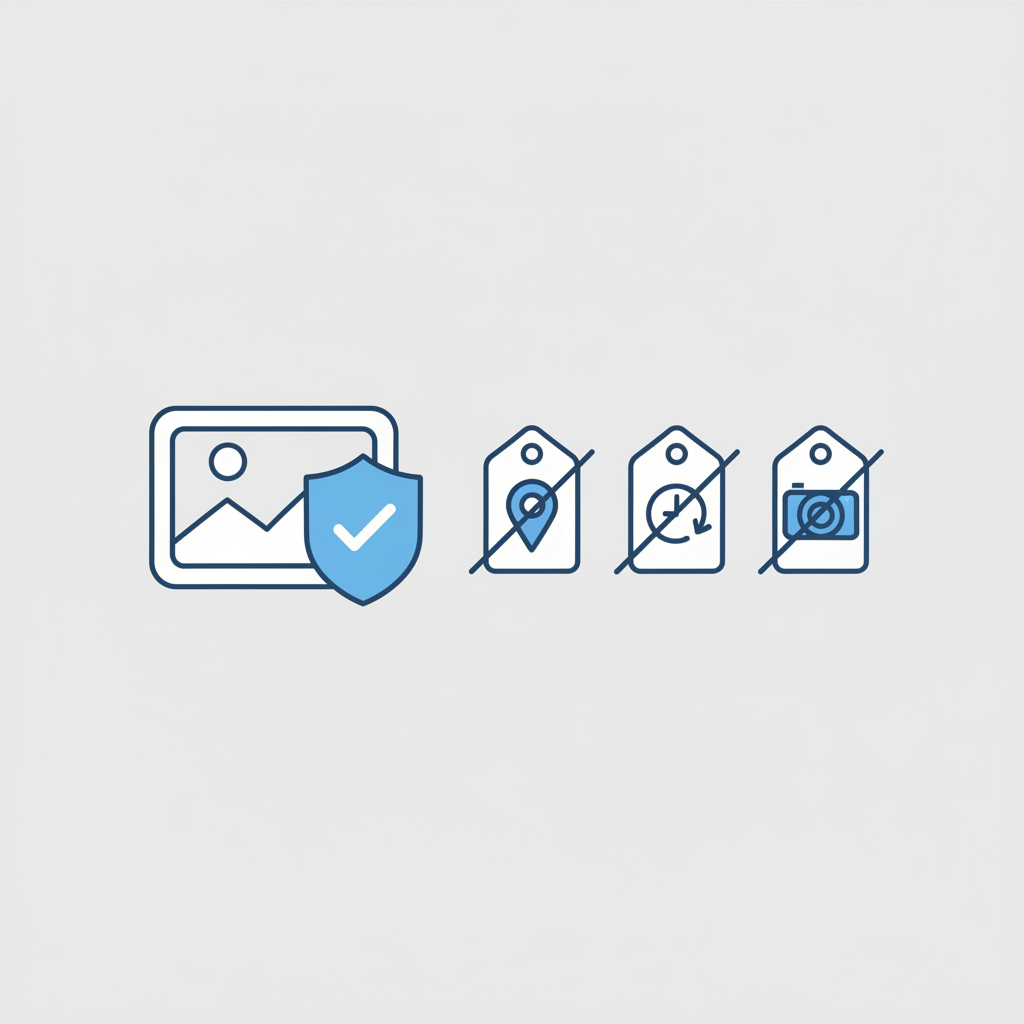
How to Remove EXIF Data Online
-
1
Upload your image
Drag and drop or click to select a JPEG, PNG, WebP, or GIF file. You can upload multiple images at once.
-
2
Remove all metadata
Click the remove button and all EXIF, IPTC, and XMP metadata is instantly stripped from your image.
-
3
Download your clean image
Download your metadata-free image. The visual content of your photo is completely unchanged.
No account required. Your files are never stored on our servers.
What EXIF Data Reveals About You
Every photo taken with a smartphone or digital camera embeds hidden metadata. Here's what that data can expose when you share an unstripped image:
| EXIF Field | What It Reveals |
|---|---|
| GPS Latitude / Longitude | Exact location where the photo was taken |
| DateTimeOriginal | The precise date and time the photo was captured |
| Make / Model | Camera brand and model (e.g. Apple iPhone 15 Pro) |
| Software | Editing software used (e.g. Adobe Lightroom, Snapseed) |
| Artist / Copyright | Photographer's name and identity |
| LensModel | Lens used — hints at professional equipment |
| ExposureTime / ISO | Camera settings that can fingerprint your shooting style |
All of the above fields — and more — are removed when you use this tool.
Why Remove EXIF Data?
Selling items online
Photos of items for sale often contain your home's GPS coordinates. Strip metadata before posting to marketplaces like eBay, Craigslist, or Facebook Marketplace.
Sharing photos publicly
Uploading to forums, Discord, or public galleries? Your photo could broadcast your home address. Remove EXIF before sharing anywhere you don't control.
Professional sharing
Client deliverables shouldn't include your camera gear, shooting date, or personal details. Strip metadata for a clean, professional handoff.
Social media safety
Even though most platforms strip EXIF on upload, some don't — and some users download originals. Remove metadata yourself before uploading to be certain.
All Metadata Removed in One Click
This tool removes every metadata layer embedded in your image — not just basic EXIF, but also IPTC and XMP data used by professional workflows:
-
GPS & location data — Latitude, longitude, altitude, and map direction — all gone.
-
Camera & lens info — Make, model, lens model, firmware version, and serial number stripped completely.
-
Date & time stamps — DateTimeOriginal, DateTimeDigitized, and all related timestamps removed.
-
Exposure settings — ISO, aperture, shutter speed, white balance, flash mode — all cleared.
-
IPTC / XMP metadata — Copyright notices, keywords, captions, creator info, and rights statements from professional software.
Bulk EXIF Removal
Need to strip metadata from dozens of photos at once? Batch EXIF removal is available on Pro — perfect for:
-
E-commerce sellers — Clean entire product photo sets before listing on any marketplace.
-
Photographers — Deliver client galleries without exposing your gear or shooting schedule.
-
Content creators — Scrub metadata from all images in a post or campaign in one go.
Batch removal is available on Pro
Strip metadata from multiple files in one click.
Frequently Asked Questions
EXIF (Exchangeable Image File Format) is metadata automatically embedded in photos by digital cameras and smartphones. It records technical details like camera settings, lens info, date and time, and — most critically — GPS location. This data is hidden inside the image file and invisible when you view the photo normally.
Yes. Once removed, the metadata is gone from your downloaded file. The original file on your device is not touched, so you can always go back to it. Our tool processes a copy — your uploaded file is never stored on our servers.
No. The visual content of your photo is completely unchanged. Removing metadata only affects the hidden data layer, not the pixels. Your image will look identical before and after.
Everything: GPS coordinates, camera make and model, lens info, exposure settings (ISO, aperture, shutter speed), date and time stamps, software used, artist name, copyright notices, and all IPTC/XMP fields. Essentially all non-pixel data is stripped.
Even if you trust a platform, other users can download your image and extract the full metadata using free tools. If GPS data is present, anyone can pinpoint exactly where you took the photo — which could reveal your home, workplace, or daily routine.
Most major platforms (Instagram, Facebook, Twitter/X) do strip EXIF on upload, but this behavior can change without notice, doesn't apply to all file types, and doesn't protect you if someone downloads the file before you share it through the platform. Removing metadata yourself before uploading is the only guaranteed approach.
Last updated: May 2026