Drop images to add
PNG to WEBP Converter
Convert PNG images to WEBP online for free. No signup required.
Drag images here or click to select
JPEG, PNG, GIF, WebP, AVIF · Max 5MB per file
Related conversions
Convert Images Online —
Free Format Converter
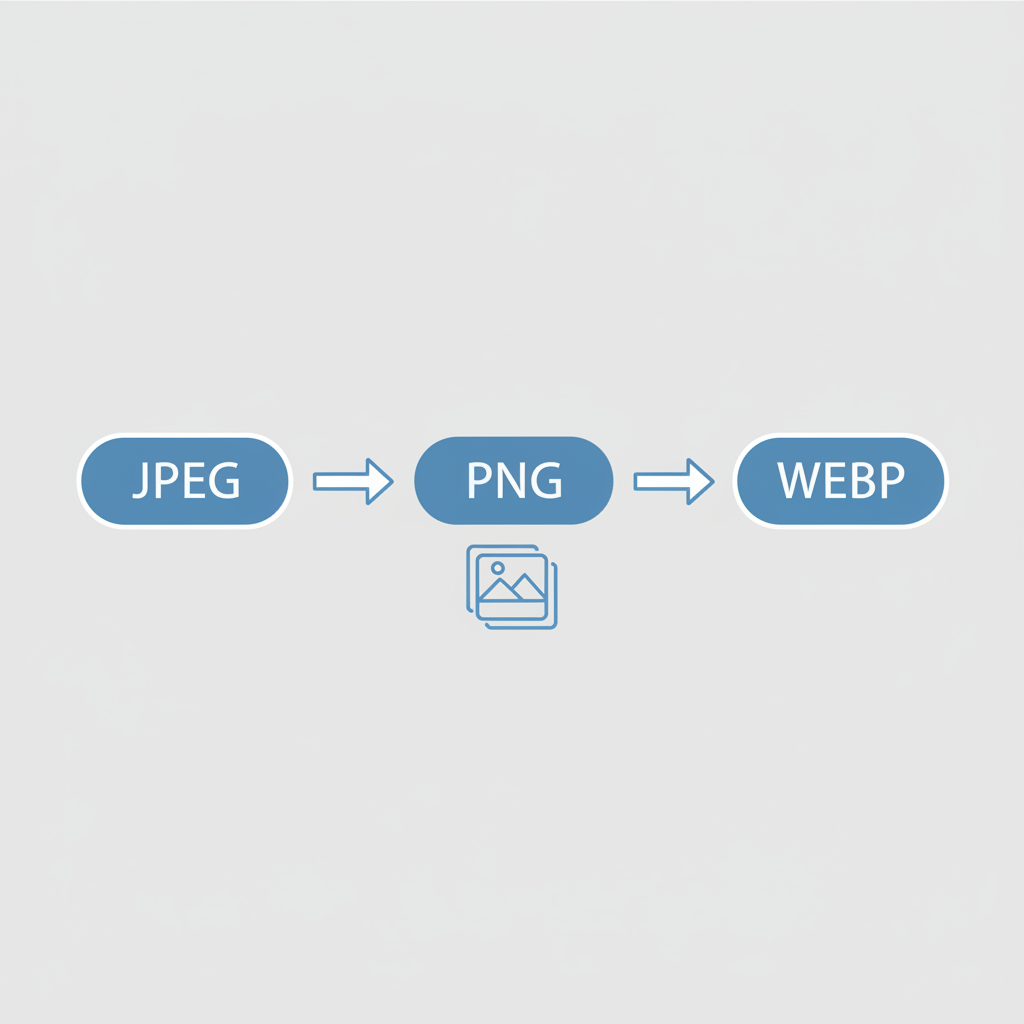
Convert your images between formats instantly — no software, no sign-up required. Our free online image converter supports JPEG, PNG, WebP, GIF, and AVIF. Switch to WebP for faster websites, convert PNG to JPEG for smaller files, or prepare images in exactly the format a platform requires. Upload your image and download the converted file in seconds.
How to Convert an Image Online
-
1
Upload your image
Drag and drop or click to select a JPEG, PNG, WebP, GIF, or AVIF file from your device.
-
2
Choose the output format
Select your target format — JPEG, PNG, WebP, GIF, or AVIF. The converter handles all the technical details automatically.
-
3
Download your converted image
Click download and save your converted file instantly, ready to use anywhere.
No account required. Your files are never stored on our servers.
JPEG, PNG, WebP, GIF & AVIF — Which Format Is Right?
Every image format has a different strength. Use this table to pick the right output format for your needs:
| Format | Best For |
|---|---|
| JPEG | Photographs, web images, social media — great compatibility, small file sizes for natural scenes |
| PNG | Logos, illustrations, screenshots — lossless quality with full transparency support |
| WebP | Modern web — best overall compression; smaller than JPEG at the same quality, supports transparency |
| GIF | Simple animations, graphics with limited colors — wide platform support for animated content |
| AVIF | Next-gen web — highest compression efficiency with excellent quality; ideal for performance-critical sites |
When in doubt, convert to WebP for web use or PNG when you need transparency and lossless quality.
Why Convert Image Formats?
Convert to WebP for the web
WebP files are 25–35% smaller than JPEG at equivalent quality. Switching your site's images to WebP is one of the fastest wins for page speed and Core Web Vitals scores.
PNG to JPEG for smaller files
PNG files are lossless and large. If your image doesn't need transparency, converting to JPEG or WebP dramatically reduces the file size — often by 60–80%.
JPEG to PNG for quality & transparency
Need to add a transparent background or work with an image that requires pixel-perfect fidelity? Convert to PNG to get lossless quality and alpha channel support.
Platform-required formats
Different tools, CMS platforms, and design workflows require specific file formats. Convert once here and upload the right format every time.
Convert Images to WebP for Faster Websites
Google's PageSpeed Insights and Lighthouse audits regularly flag "serve images in next-gen formats" as a key optimization. Converting your images to WebP or AVIF before uploading helps you:
-
Improve Core Web Vitals — Smaller image files reduce LCP (Largest Contentful Paint), one of Google's primary ranking signals.
-
Cut bandwidth and hosting costs — Modern formats deliver the same visual quality at a fraction of the file size, reducing server load and data transfer.
-
Pass Lighthouse audits — Converting legacy JPEG and PNG files to WebP or AVIF directly resolves one of the most common PageSpeed Insights warnings.
Bulk Image Conversion
Need to convert multiple images at once? Our bulk conversion tool lets you upload and process several files in one go — perfect for:
-
E-commerce — Convert entire product image libraries to WebP before publishing to your store.
-
Blog & content — Batch-convert featured images and inline photos to a consistent format in one shot.
-
Design exports — Convert a folder of PNG design assets to JPEG or WebP for delivery or web publishing.
Bulk conversion is available on Pro
Convert multiple images to any format in one click.
Frequently Asked Questions
Lossy conversion (e.g., converting PNG to JPEG or WebP) compresses the image by permanently removing some data, resulting in smaller files with minor quality trade-offs. Lossless conversion (e.g., JPEG to PNG) retains all pixel data but may not reduce the file size. For photos destined for the web, lossy formats like WebP offer the best size-to-quality balance.
Yes. WebP is fully supported by all major modern browsers — Chrome, Firefox, Safari, Edge, and Opera — covering over 97% of global web users. It is now the recommended format for web images and is safe to use without fallbacks for most projects.
JPEG does not support transparency. When you convert a PNG with a transparent background to JPEG, the transparent areas are filled with a solid color (typically white). To preserve transparency, convert to WebP or PNG instead — both support the alpha channel.
WebP is the best all-around format for most websites in 2025. It offers 25–35% smaller file sizes than JPEG at equivalent quality, supports transparency, and is supported by all modern browsers. For maximum compression on cutting-edge browsers, AVIF goes even further — but WebP hits the sweet spot of compatibility and performance.
JPEG uses lossy compression and is ideal for photographs. PNG uses lossless compression and supports transparency, making it great for graphics and logos. WebP combines the best of both — lossy or lossless with smaller file sizes and transparency support. GIF supports simple animations but is limited to 256 colors. AVIF is the newest format with the best compression, though browser adoption is still growing.
Batch (bulk) conversion is available on the Pro plan. You can upload multiple images at once and convert them all to your chosen format in a single operation — saving significant time when processing large image sets.
Last updated: May 2026